YTReady
YouTube Shorts
Connect a channel, schedule an MP4, and publish through the official YouTube Data API.
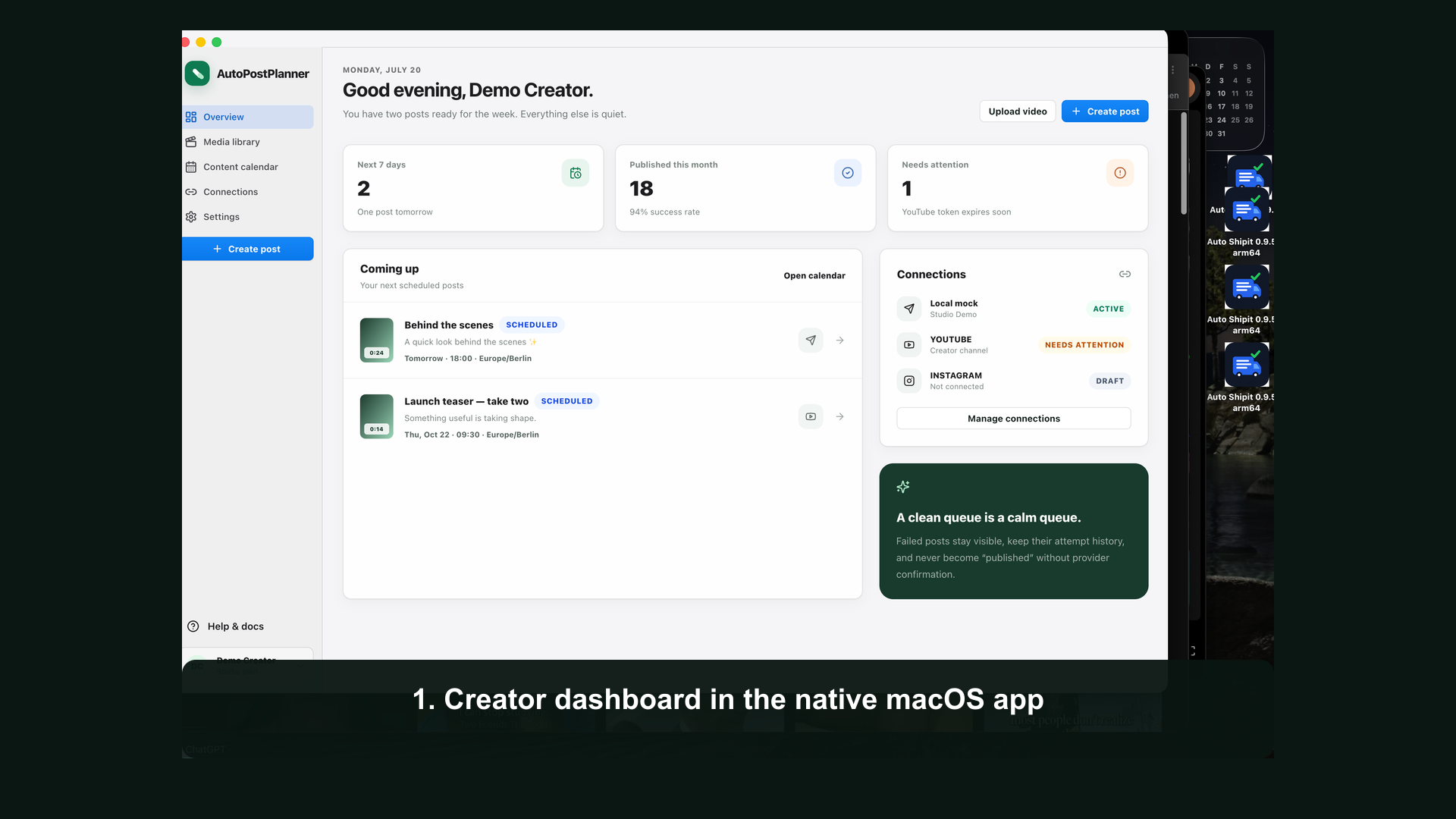
 AutoPostPlannerView demo
Desktop publishing, under your control
AutoPostPlanner is a local-first macOS workspace for preparing, scheduling, and publishing content with official platform APIs.
Destinations
Each destination gets its own caption, privacy, format, and delivery status.
Connect a channel, schedule an MP4, and publish through the official YouTube Data API.
Explicit creator consent, privacy controls, and official Content Posting API scopes only.
Prepare Reels, feed posts, and Stories for eligible professional accounts.
A clear workflow
Inspect MP4 videos and JPEG images before they enter the queue.
Choose formats, captions, privacy, and an exact local date and time.
Review a consent summary before any destination is queued.
See provider responses, retryable failures, and duplicate-safe delivery attempts.
Review demo
This demo uses the app's safe review environment and does not publish to a live public audience.
Creator control
AutoPostPlanner requires an authenticated connection, an explicit destination selection, and final scheduling consent.
How TikTok access works →